
Home Screen Overview - The Pekoe Trail App Manual
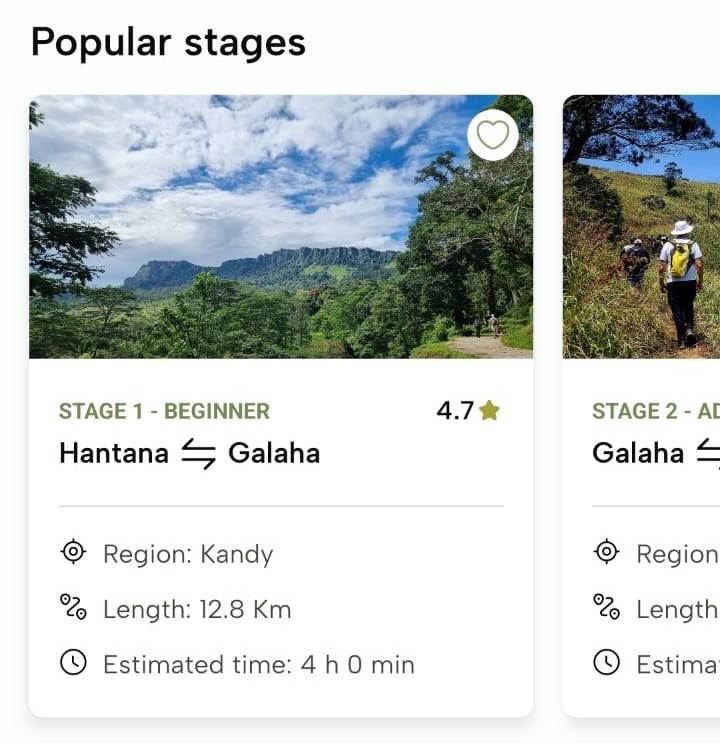
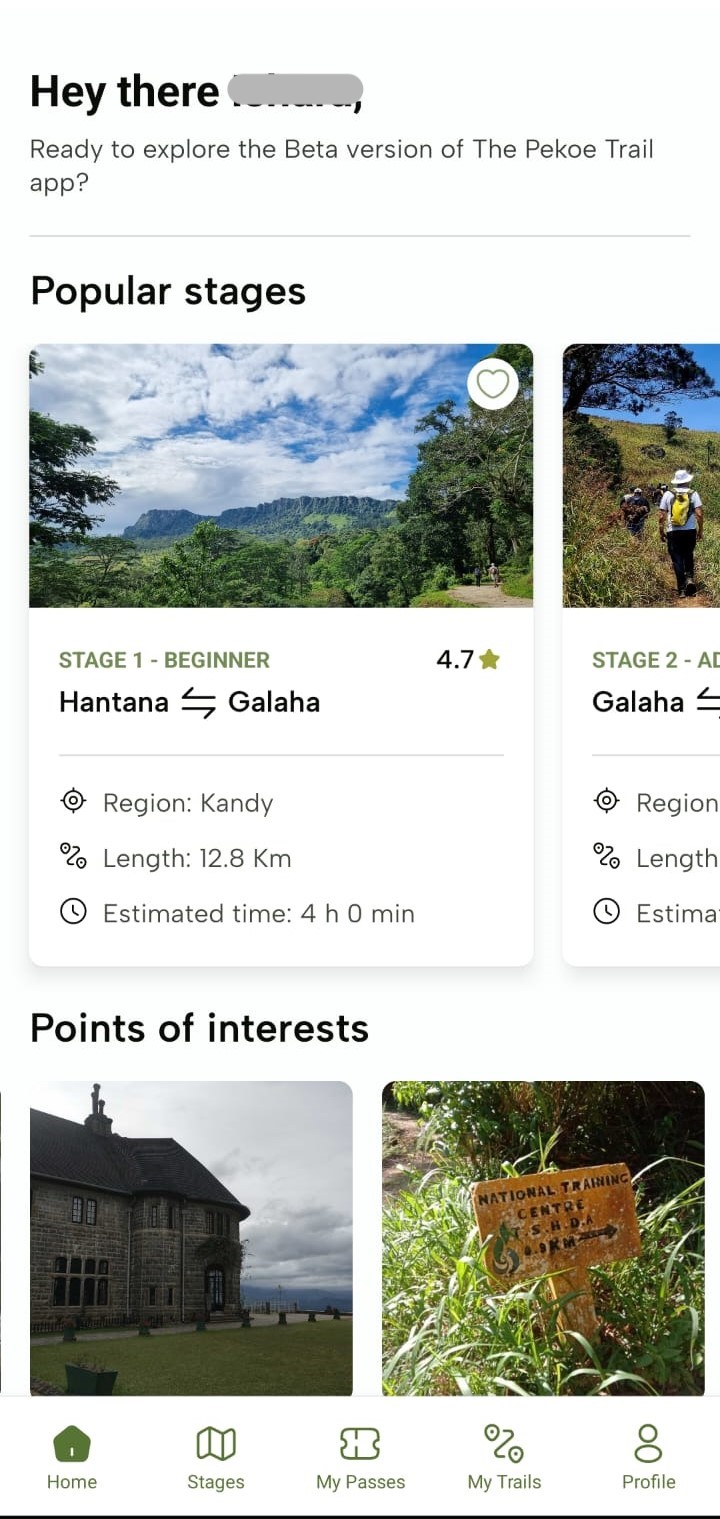
Popular stages
These are only the first 10 stages but these are not all the stages. Click “Stages” in the footer section to see all the stages.
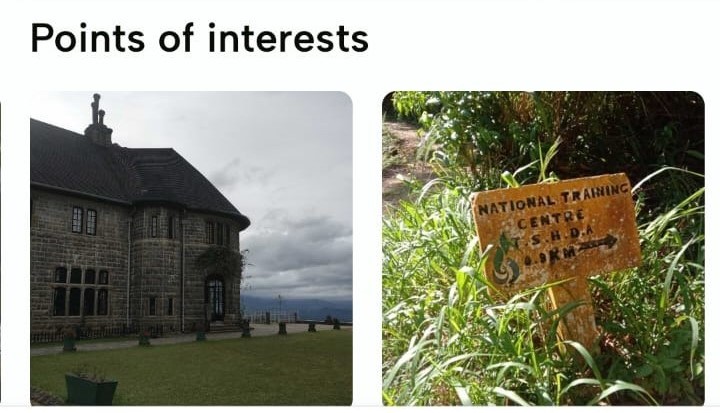
“Points of interests”
These are samples of points of interest along the trail. Additional points of interest are found in the profiles for each stage
Footer
On the footer of the “Home” screen, you’ll see the following icons: “Home”, “Stages”, “My Passes”, “My Trails” and “Profile”. The “Home” icon is selected by default.
No comments to display
No comments to display