
Stages - The Pekoe Trail App Manual
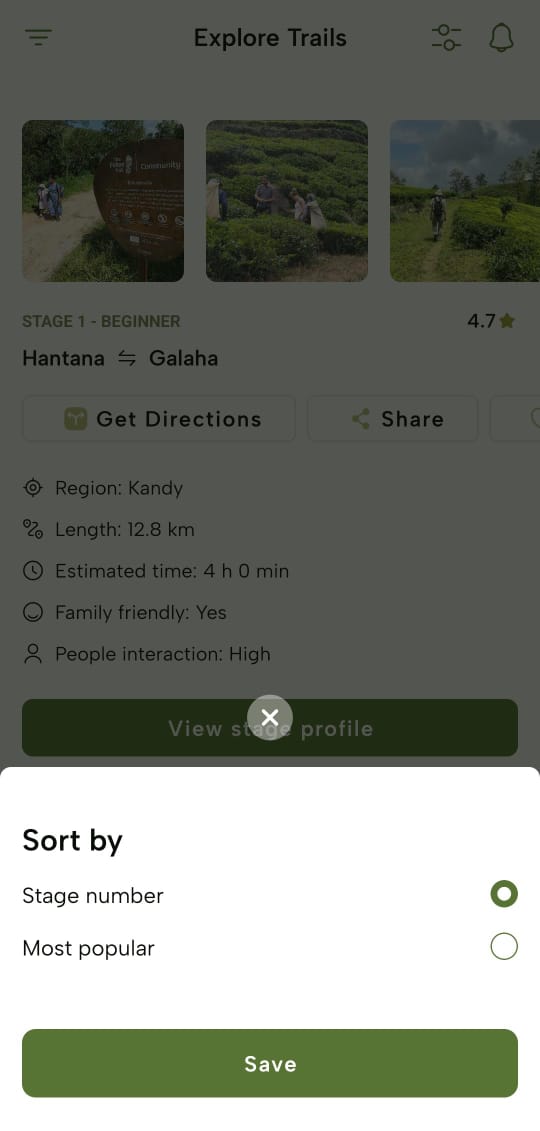
Sorting Stages
-
You can sort the stages by:
-
Stage number
-
Most popular
-
-
Upon selecting an option, tap “Save” and you will see stages accordingly.
Filter Stages
-
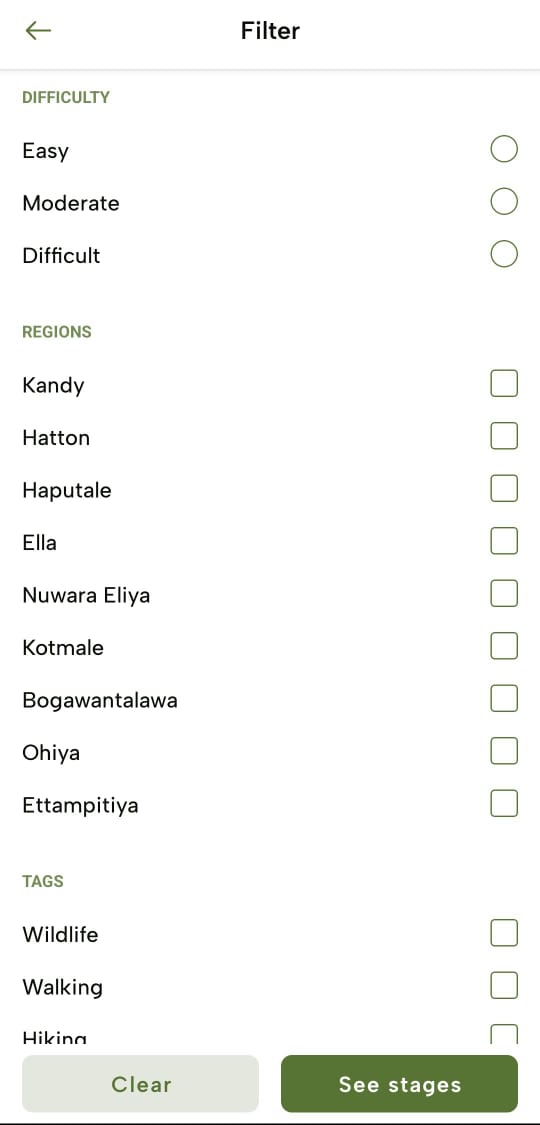
You can also filter the stages by following filter options;
-
Difficulty
-
Regions
-
Tags
-
People Interaction
-
Trail Length
-
Family Friendly
-
-
Upon applying the filter criteria, tap “See stages” and you’ll view the filtered stages. To clear the filters, tap “Clear”.
No comments to display
No comments to display